Nyvera introduced Localfy 1.0, a Windows desktop music player for audio files users choose from their own PC. Localfy brings artist, album, and track browsing together with playlists, a playback queue, and tools for managing a personal music library.
The library is empty on first launch. Add files or folders to begin; imported audio is copied into Localfy’s managed music folder. No sample songs or commercial artwork are bundled.
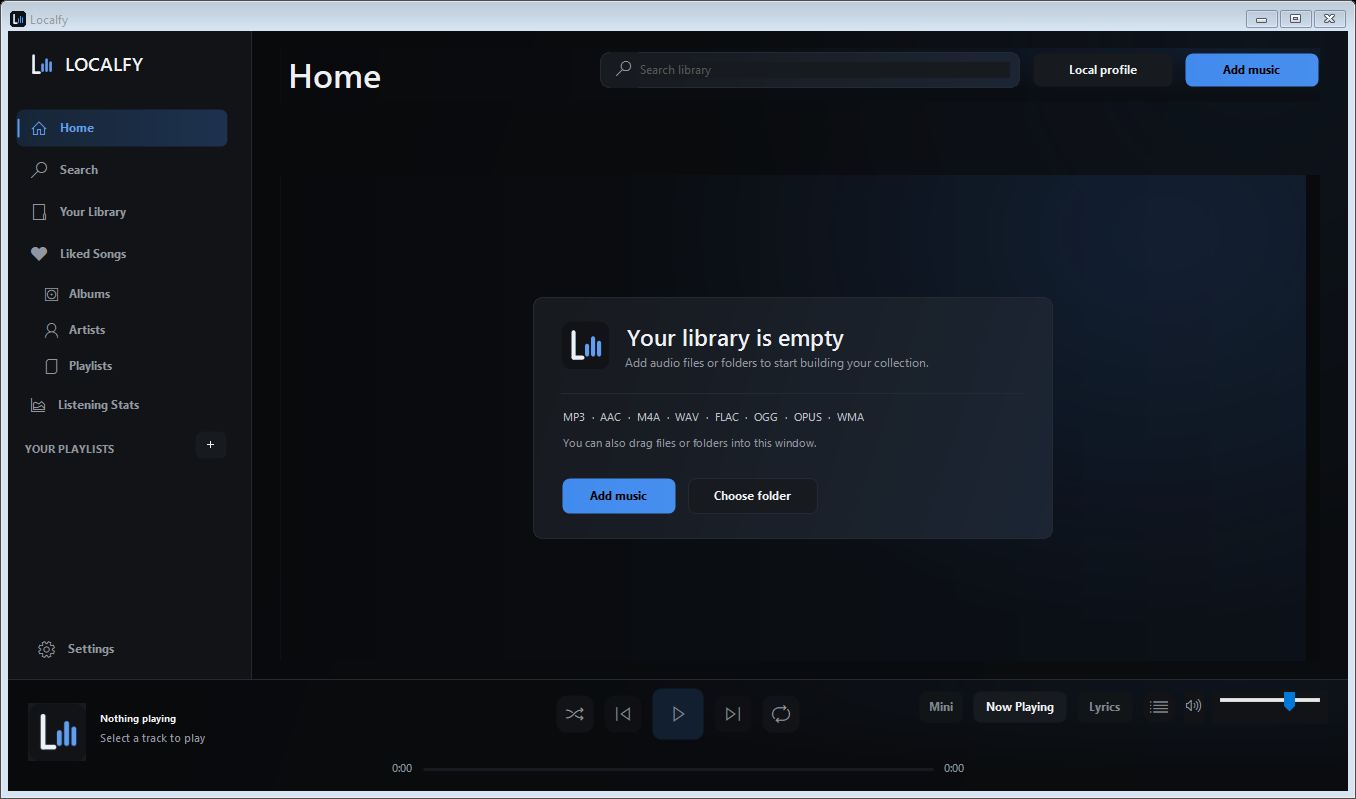
A library built from your files
Localfy lists MP3, AAC, M4A, WAV, FLAC, OGG, OPUS, and WMA among its formats. Browse an artist’s albums, open the track list, save favorites, and create playlists. Listening statistics, playback bookmarks, and Library Health help you manage the collection over time.
Playback and lyrics tools
Playback controls include shuffle and repeat, a ten-band equalizer, crossfade, and gapless transitions. Mini Player offers a smaller playback view. Timed lyrics tools support viewing and working with lyrics alongside music.
Availability
The original 1.0 download has been superseded. See the current version and download details for setup requirements, checksum, and test limitations.
Nyvera is an independently operated software brand founded in August 2026. Nyvera never sells data to third parties.